Getting Started with Keyboard Shortcuts
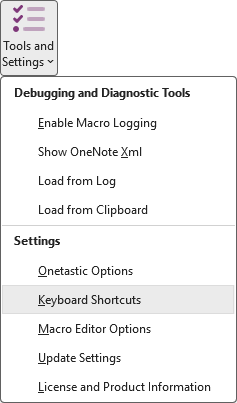
To configure your shortcuts, open the Onetastic Options dialog via Tools and Settings >
Keyboard Shortcuts in the Home ribbon tab.
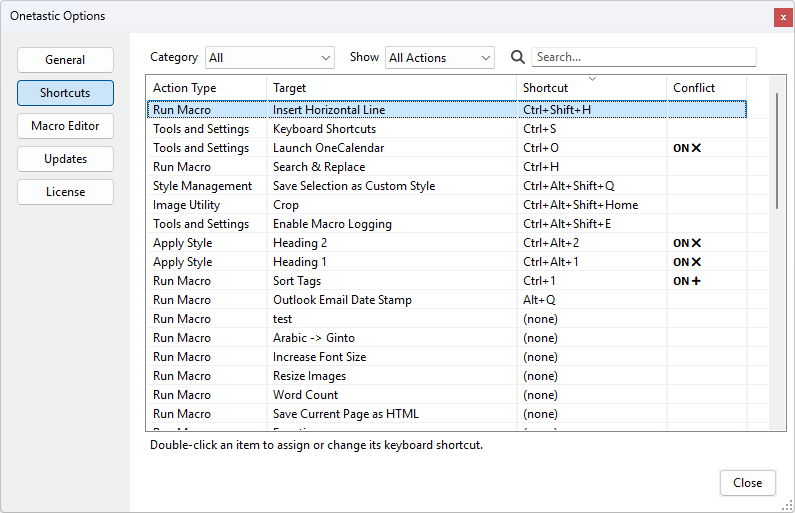
You'll see a comprehensive list of all available Onetastic features that can be assigned shortcuts, organized by
category:
- Macros: All your installed macros, plus macro management commands
- Custom Styles: Your custom text styles and style management tools
- Favorites: Your favorite pages and favorite management
- Image Utilities: Quick access to image rotation, cropping, and OCR tools
- Tools and Settings: OneCalendar, batch import, and other utilities
Keyboard Shortcuts Topics
If your question isn't answered, send an e-mail to
support@getonetastic.com.